






Pay abroad with your
Travel Money Card - Free & 100% virtual
Travel Money Card - Free & 100% virtual

Our rates

Our branches

FAQs
You will love our Travel Money Card
100% free
Get a free card, with no monthly fees

Virtual card
Go cardless & pay with your phone wherever you go

Better rates
Get more travel money & a bigger travel budget

+23 currencies
Exchange currencies easily, on the go.

Secure
Backed by Prosegur, global leader in security
How to get & load your card?

1.Order
Add the card to your basket and complete your purchase.
2.Verify
Confirm your identity quickly and securely.

3.Log In
Access your personal account via the app or web.

4.Top up
Add funds via bank transfer & exchange your currencies.

5.Activate
Activate your card & start using it immediately.
Why our card stands out?
Instant & virtual card
Number of currencies
Exchange rate
Travel-focused
Security
Simplicity
Transparency (fees)
Offline presence
FX experience
Our card
Yes
23-42
Good
Yes
Mastercard + Prosegur
Yes
Yes
Yes
+50 years
Other prepaid cards
No
10-22
Poor
Yes
Mastercard
Yes
No
Yes
Similar
Neobanks
Yes
29-40
Good
No
Mastercard or Visa
No
No
No
+10 years
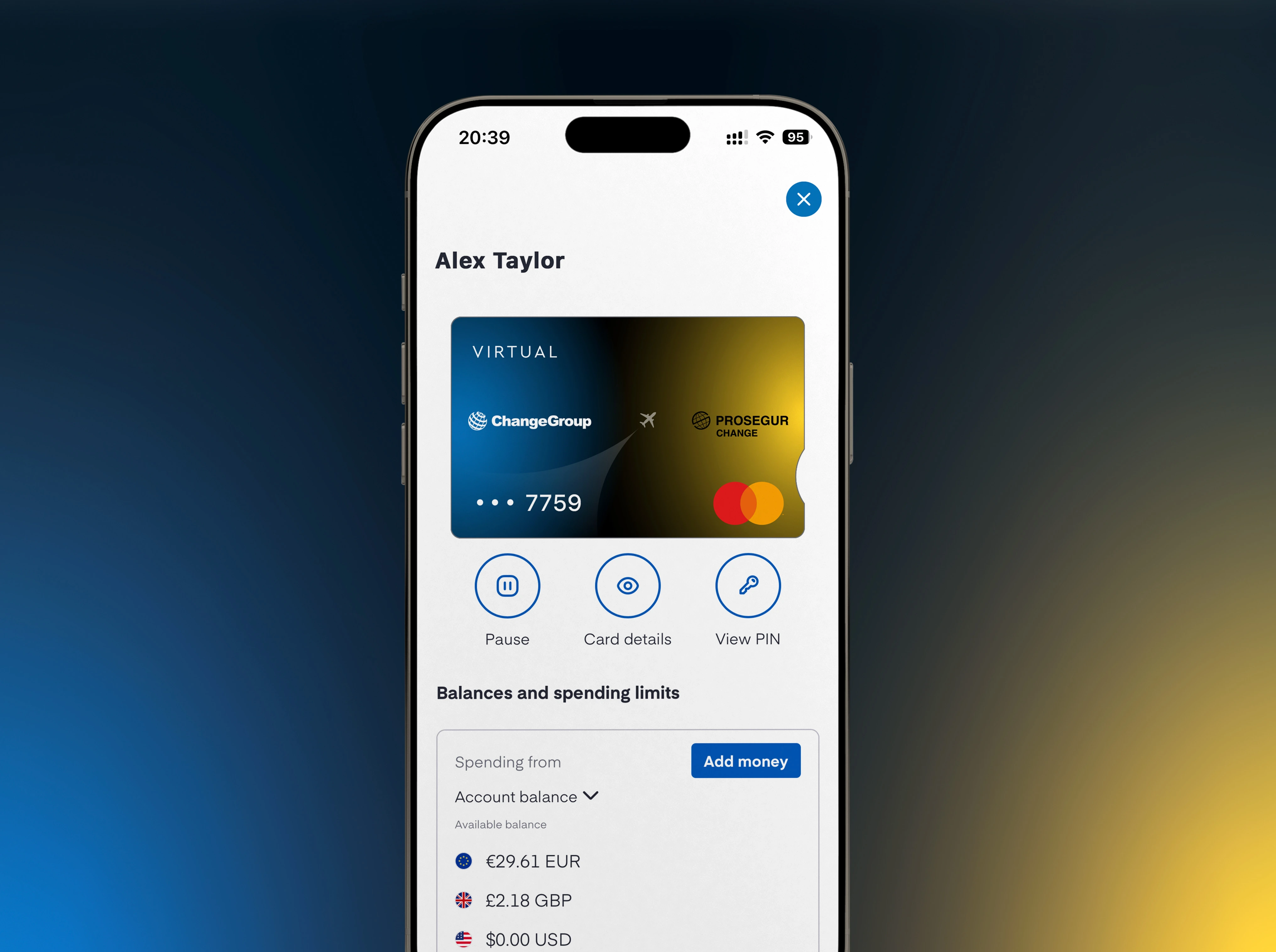
Easily manage your card!
Simplify the way you travel: manage up to 23 currencies in one place, switch between them instantly, and enjoy our best exchange rates. Easily access your account via the web portal or app. Download it on the App Store and Google Play.


The smarter way to spend abroad

No minimum top-up
Top up your card with any amount, big or small
No daily spend limit
Spend as you wish abroad, without worrying.
No fee on card top-up
Add as much money as you want to your card.

No fees abroad
Make payments in any currency without extra fees.

Free alignment
If one wallet lacks funds, another is used automatically.
+23 currencies in one card
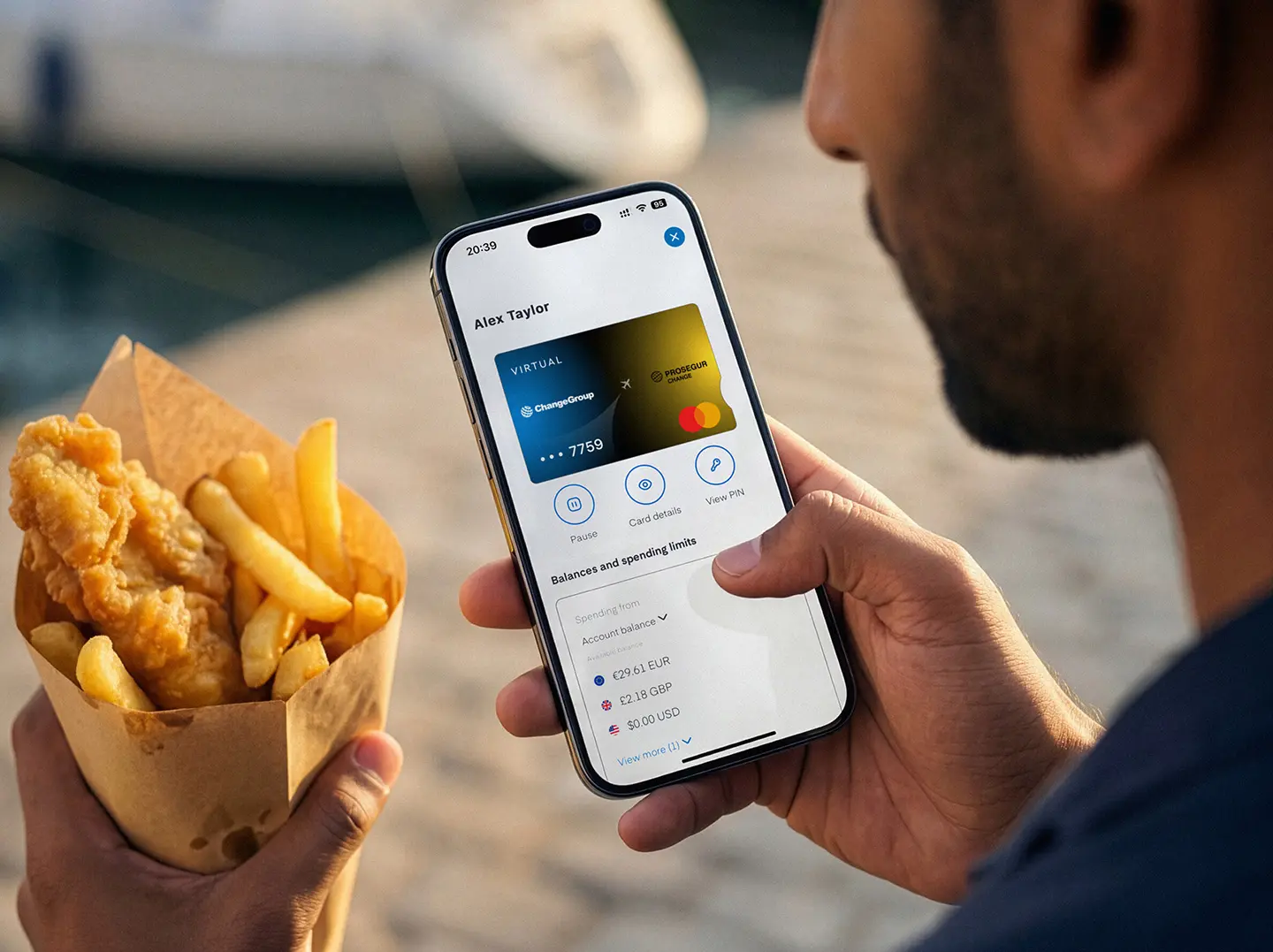
With your virtual card, you can top up multiple wallets in different currencies. Pay directly in the currency of your choice, with no conversion fees.
Your card offers better exchange rates than cash, allowing you to get more out of your budget. Whether it’s for meals, tickets, or souvenirs during your travels, maximise your spending and enjoy fast, secure, contactless payments wherever you are.

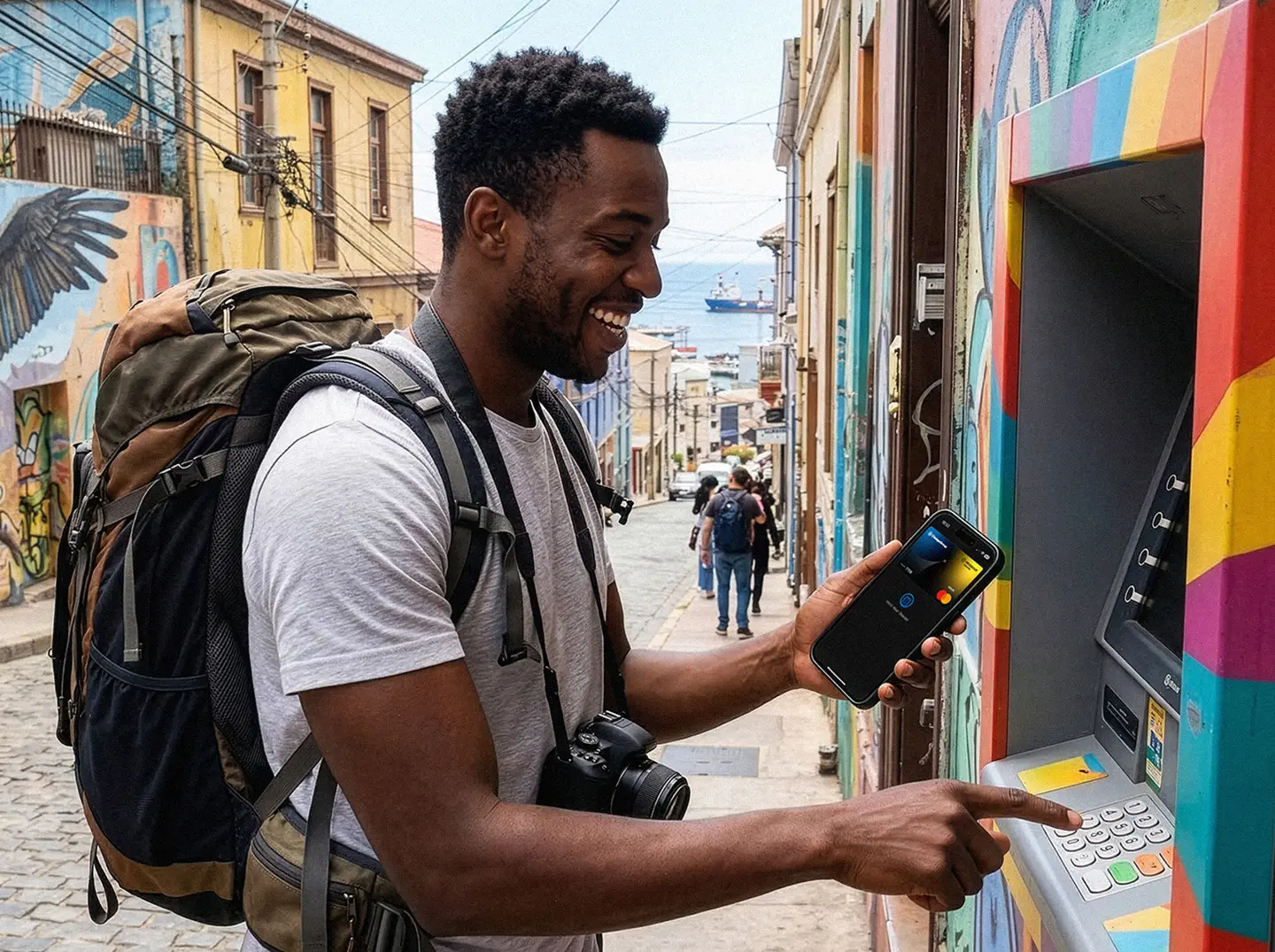
Secure payments & ATM withdrawals worldwide
With our virtual card, your payments are always protected. Supported by Prosegur, a global security leader, we make sure your money stays safe every step of the way. Whether you’re shopping in-store, online, or abroad, you can travel confidently knowing your transactions are secure.
Need cash on the go?
Use your virtual card at any ATM that accepts virtual or contactless cards to withdraw money whenever you need it, wherever you are.
More than just a travel money card
Your account comes with its own IBAN and makes managing your money effortless. Send and receive funds, make transfers, set up direct debits, and pay in multiple currencies all from one simple place.
For extra security, create a virtual card for one-time or limited use. Load only what you need, delete it afterward, and enjoy worry-free payments wherever you are. Safe, flexible, and easy.
Find the plan that fits your needs
Card top up
Transfer funds between your Travel Money Card accounts
Convert your currencies
Send money
Cash withdrawal at an ATM
Fee (%) on outgoing payments
Monthly subscription
Frequent Traveller
Designed for regular use
Free
Free
Best exchange rates (only a 0.50% margin)
€1.50 per transaction
€2.00 per withdrawal
0.50%
€1.50
Standard Traveller
For occasional use
Free
Free
Competitive exchange rate (1.50 % margin)
€2.00 per transaction
€2.00 per withdrawal
0.50%
Free
FAQs on travel money card
A virtual bank card is a digital payment method designed for online purchases or phone payments. It is therefore ideal for travelling abroad, as it allows you to easily switch between currencies while benefiting from better exchange rates.
Unlike a disposable or temporary card, a permanent virtual bank card is designed to fully replace a traditional bank card, offering the same features in a digital format.
From the app, go to the Cards tab and create a new card by selecting the user and the associated balance. Then confirm the operation using the verification code sent to you by SMS. Your Travel Money Card will then be activated and ready to use.
The process of adding a virtual card to your phone is relatively simple.
Add your Travel Money Card to Apple Pay:
- Log in to your account on your phone
- Select the card you want to add
- Click on the “Add my card to Apple Pay” button
- Follow the instructions to complete the addition of your card
Add your Travel Money Card to Google Pay:
- Open the “Wallet” app on your phone
- Enter your Travel Money Card details
Follow the steps below to add money to your account and use your Travel Money Card for your purchases:
- Log in to your account
- Click on the “+ Add Money” button in the top right-hand corner of the screen
- Choose whether you want to make a transfer with or without currency conversion
- Enter the amount you wish to transfer
- Choose your payment method
- Confirm the transfer to receive your money within a few minutes
Follow these steps to exchange your currencies:
- Click on the “...” icon at the top right of the screen
- Click on “Exchange”
- Choose the source currency and the destination currency
- Enter the amount you wish to exchange to instantly see the amount you will receive in the destination currency
- Review and confirm the transaction
You can withdraw cash from certain ATMs if they are compatible with virtual cards. To do so, simply follow these steps:
- Find a contactless (NFC) compatible ATM
- Add your virtual card to your digital wallet (Google Pay or Apple Pay)
- Hold your phone against the contactless ATM to make your withdrawal
The difference mainly lies in the fees applied to your transactions.
The Frequent tier is designed for regular users: it offers reduced fees on outgoing transfers, ATM withdrawals and, above all, a more favourable exchange margin.
The Standard tier is ideal for more occasional use, with slightly higher fees on certain transactions.
If you exchange currencies frequently, the Frequent tier allows you to optimise your conversions and reduce the overall cost of your international transactions.
For more details about our pricing, please visit our Fees & Commissions page.
Fees and limits
Please refer to our Fees and Commissions page for detailed information about charges and commissions related to our Travel Money Card.