





One Multi-currency Card
Endless adventures
Why choose our Travel Money Card?

Virtual card
Go cardless & pay with your phone wherever you go, using your e-wallet.

Better rates
Get more travel money & a bigger travel budget

+23 currencies
Exchange currencies easily, on the go.

Secure payment
Backed by Prosegur, global leader in security
Access +23 currencies & get even better rates with your card
With your virtual card, you can top up several currency wallets and choose which one to pay from. Pay directly in your selected currency with no conversion.
Using your card gives you better exchange rates than cash, meaning more spending power for the same amount. Whether you’re buying meals, tickets, or souvenirs abroad. Get more value from your travel money and enjoy fast, secure, contactless payments.
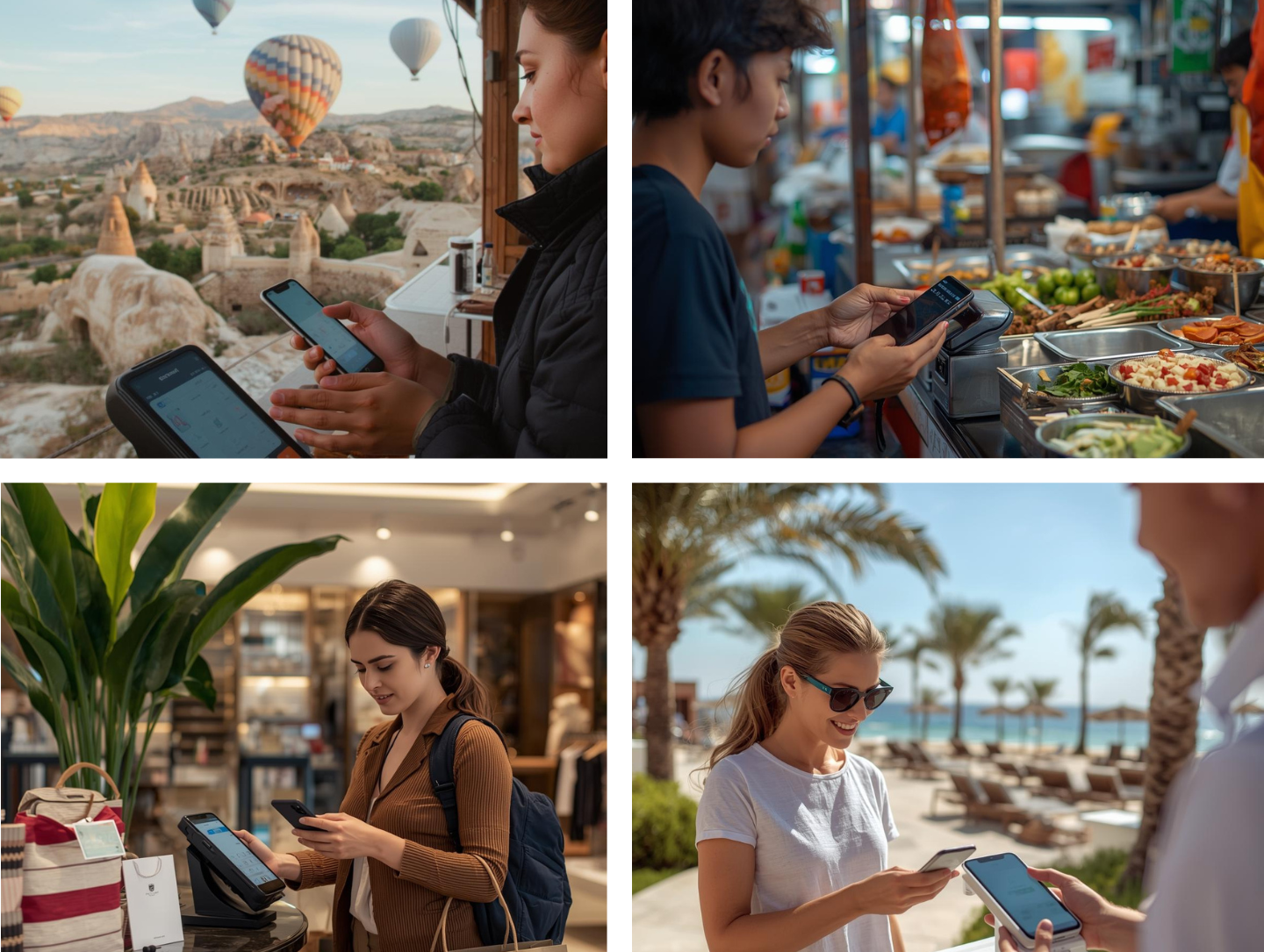
Secure payments & ATM withdrawals worldwide
Your payments are always secure with our virtual card. Backed by Prosegur, a global leader in security, we ensure that your money is protected at every step. Whether you’re paying at a store, online, or abroad, you can travel with confidence knowing your transactions are safe.
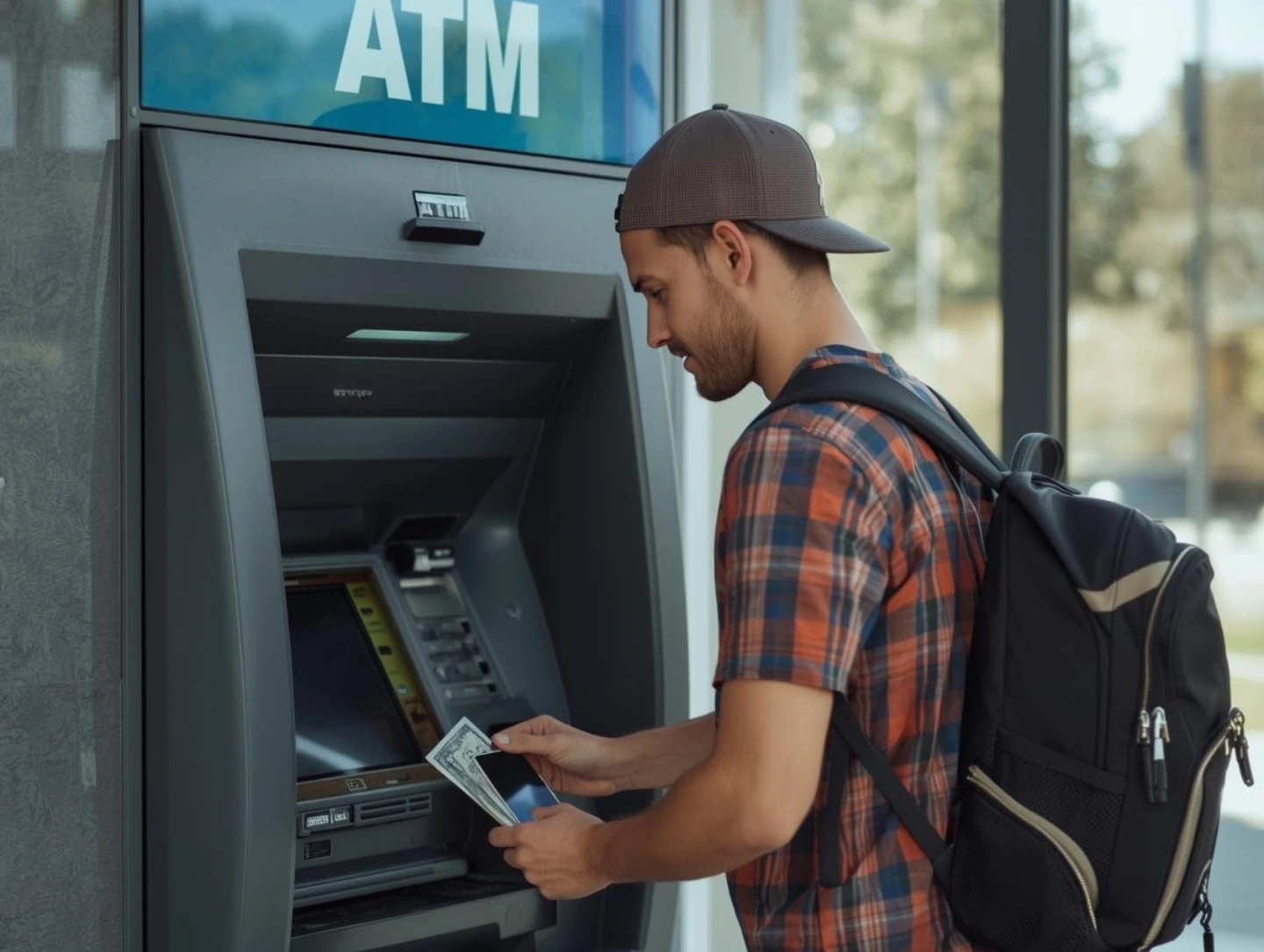
Need cash while travelling?
You can use your virtual card at any ATM that accepts virtual or contactless cards to withdraw cash whenever you need it, wherever you are.
More than just a travel money card
More than just a card, it’s a fully functioning account with its own IBAN. It’s not just about exchanging currencies, you can send and receive money, make local and international transfers, set up direct debits, and manage your payments all in one place.
In this account, you can also create a virtual card for one‑time or limited use, which can be deleted afterward. You can assign a specific amount to the card, reducing exposure and preventing unauthorized charges. This provides enhanced security and significantly lowers the risk of fraud.
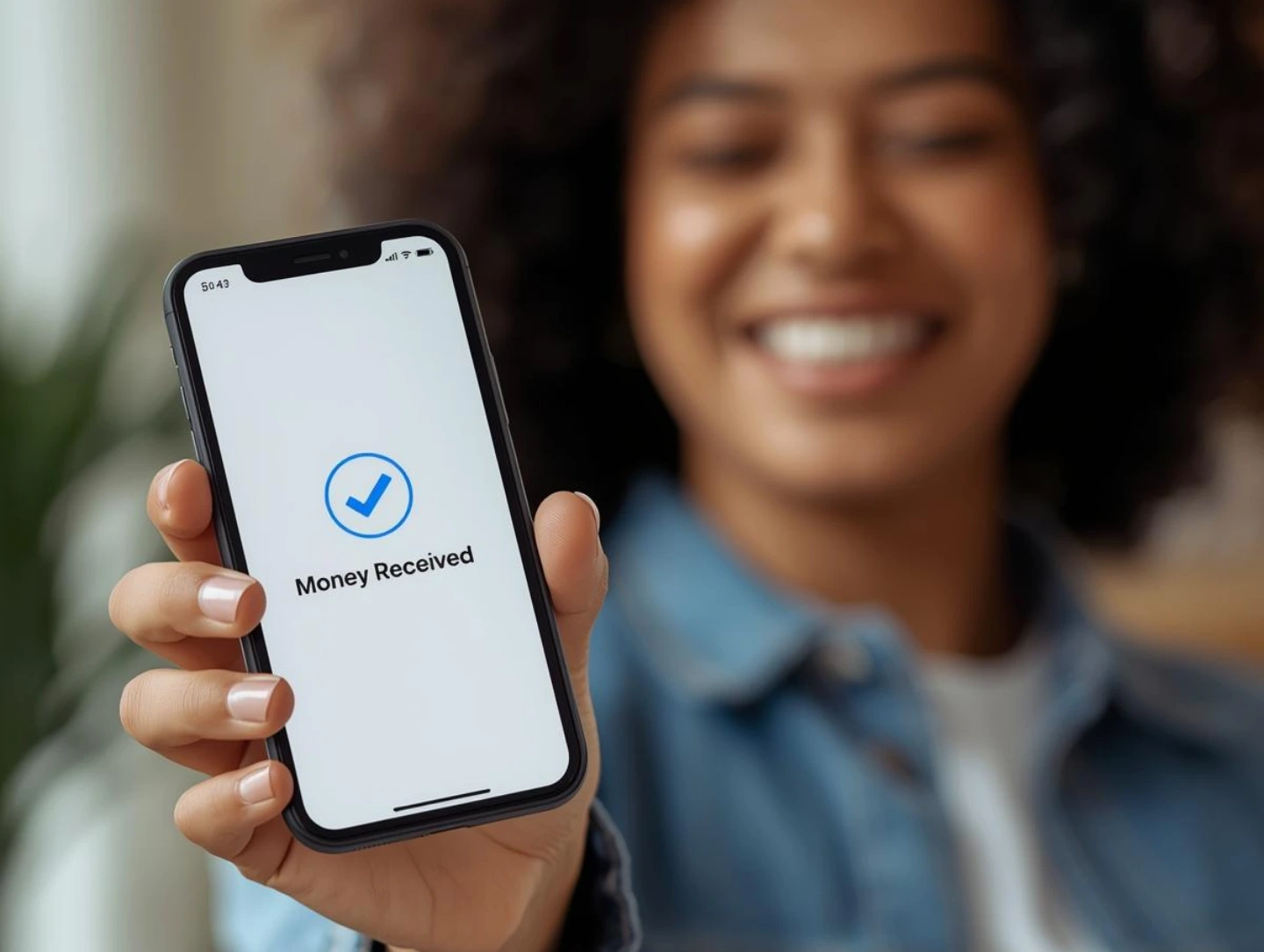
How to get & load your card?

1.Get your card
Add the card to your cart and purchase it to get started.

2.Activate your card
Click the link in the confirmation email to complete your card activation.

3.Top up your card
Choose from +20 currencies at great rates and spend your way.
Currencies and rates
The smarter way to spend abroad
No minimum on card
top-up
Top up your card with any amount, big or small
No daily spending limits
Use your card freely abroad without worrying about daily or overall spending.
No fee on card top-up
Add money without commission. More budget goes toward your trip.

No fees on international payments
Make payments abroad in any foreign currency without any extra fees.
Free currency alignment
If one wallet lacks funds, another is used automatically without conversion fees.
Fees and limits
Please refer to our Fees and Commissions page for detailed information about charges and commissions related to our Travel Money Card.
FAQs on travel money card
A virtual bank card is a digital payment method designed for online purchases or phone payments. It is therefore ideal for travelling abroad, as it allows you to easily switch between currencies while benefiting from better exchange rates.
Unlike a disposable or temporary card, a permanent virtual bank card is designed to fully replace a traditional bank card, offering the same features in a digital format.
The process of adding a virtual card to your phone is relatively simple.
Add your Travel Money Card to Apple Pay:
- Log in to your account on your phone
- Select the card you want to add
- Click on the “Add my card to Apple Pay” button
- Follow the instructions to complete the addition of your card
Add your Travel Money Card to Google Pay:
- Open the “Wallet” app on your phone
- Enter your Travel Money Card details
Follow the steps below to add money to your account and use your Travel Money Card for your purchases:
- Log in to your account
- Click on the “+ Add Money” button in the top right-hand corner of the screen
- Choose whether you want to make a transfer with or without currency conversion
- Enter the amount you wish to transfer
- Choose your payment method
- Confirm the transfer to receive your money within a few minutes
Follow these steps to exchange your currencies:
- Click on the “...” icon at the top right of the screen
- Click on “Exchange”
- Choose the source currency and the destination currency
- Enter the amount you wish to exchange to instantly see the amount you will receive in the destination currency
- Review and confirm the transaction
You can withdraw cash from certain ATMs if they are compatible with virtual cards. To do so, simply follow these steps:
- Find a contactless (NFC) compatible ATM
- Add your virtual card to your digital wallet (Google Pay or Apple Pay)
- Hold your phone against the contactless ATM to make your withdrawal